The European Accessibility Act for SaaS: Does It Apply, and What to Fix First
The European Accessibility Act has applied since June 2025, and plenty of SaaS teams still are not sure whether it covers them. Here is how to check scope and what to fix first.
 Code Nativex TeamEngineering
The European Accessibility Act has applied since 28 June 2025, and the question we hear most from founders is simple: does the European Accessibility Act cover our SaaS, and if so, what do we actually have to change? This guide answers both. You will get a plain reading of how scope works for European Accessibility Act SaaS cases, what the law asks of a web app, and a practical order of fixes that a small team can work through in weeks, not quarters.
A quick note before we start: this is an engineering view, not legal advice. Where a product sits close to the line, a short conversation with a lawyer in your main EU market is worth the money.
What the European Accessibility Act actually is
The EAA is Directive (EU) 2019/882. Like every directive, it is implemented through national laws in each member state, which had to apply those laws from 28 June 2025 under Article 31 of the directive. It covers a defined list of products and services: computers and phones, ATMs and ticket machines, banking, e-books, transport services, and, the one that matters for most software teams, e-commerce.
The directive does not list button sizes or contrast ratios itself. It sets outcome requirements, the main one being that websites, online applications, and mobile apps used to deliver a service must be "perceivable, operable, understandable and robust". Those four words come straight from WCAG, and that is how teams translate the law into work: the harmonised standard most people test against is EN 301 549, which includes WCAG 2.1 Level AA for web content, as the W3C summary of EU accessibility policy notes.
Does it apply to your SaaS?
This is where most of the confusion lives. Work through these questions in order.
- 1.Do consumers use it? The directive defines e-commerce services as services sold at a distance, through websites and mobile apps, at the request of a consumer, with a view to a consumer contract. A consumer is a person acting outside their trade or profession. A tool sold only to companies, on invoices, to people using it for work, generally falls outside that definition.
- 2.Can an individual sign up and pay? This is the trap. Many "B2B" products have a self-serve plan with a public price and card checkout. A freelancer or hobbyist can buy it for personal use. Once that is possible, the checkout and the flows around it look a lot like an e-commerce service.
- 3.Do you serve the EU market? Where your company is registered does not matter much. Offering the service to consumers in the EU does.
- 4.Are you a microenterprise? Under Article 4(5), microenterprises providing services are exempt from the service requirements. A microenterprise has fewer than 10 employees and annual turnover or balance sheet total of no more than EUR 2 million. Note that this exemption is for services, and it stops applying the day you outgrow it.
If you answered yes, yes, yes, and no, treat the EAA as applying to you. If you are purely enterprise, you are probably outside the directive, but read the next section before you relax.
Why B2B teams should care anyway
Even when the law does not reach you, your customers' procurement teams do. Larger buyers, especially in the public sector and regulated industries, increasingly ask vendors for an accessibility conformance report or a statement of WCAG AA conformance before they sign. Failing that question late in a deal is a far worse moment to discover keyboard traps than a sprint planning meeting.
There is also a plainer argument. Accessible products are easier for everyone to use. Clear labels, visible focus states, and forms that tell you what went wrong reduce support tickets for every user, not only for screen reader users.
What the law asks of a web app
Annex I of the directive breaks the service requirements into a few concrete obligations. For a typical SaaS or e-commerce product, they come down to:
- An accessible product. Your website, web app, and mobile app need to be perceivable, operable, understandable, and robust. In practice, that means meeting WCAG AA.
- Accessible information about the service. You need to explain how the service works and how accessible it is, in accessible formats. Most teams publish an accessibility statement and keep it current.
- Accessible identification, security, and payment. For e-commerce services, sign-in, verification, and payment functions must meet the same four principles. This is often where products fail: a CAPTCHA with no alternative, a one-time-code screen that times out, or a payment iframe that a keyboard cannot reach.
- Accessible support. Where you offer help desks or support channels, they should be able to answer questions about accessibility and assistive technology compatibility.
Which standard to build to
Teams get stuck on WCAG versions, so here is the short answer. EN 301 549 currently points to WCAG 2.1 Level AA for web content. WCAG 2.2, published by the W3C on 5 October 2023, is backward compatible with 2.1 and adds nine success criteria. Build to WCAG 2.2 AA and you cover both.
The 2.2 additions are worth knowing because several land squarely on SaaS interfaces:
- Focus Not Obscured (Minimum): a sticky header or cookie banner must not hide the element that has keyboard focus.
- Dragging Movements: anything you can drag, such as a kanban card or a slider, needs a single-pointer alternative.
- Target Size (Minimum): small icon buttons in dense tables need enough size or spacing to hit reliably.
- Redundant Entry: do not make people type the same information twice in one flow.
- Accessible Authentication (Minimum): sign-in cannot depend on a memory or puzzle test without an alternative. Allowing password managers and paste covers much of this.
A practical order to fix things
You do not need to audit every page before you start. This is the order we use, because it finds the most serious problems fastest.
- 1.Pick your critical journeys. Sign-up, sign-in, onboarding, checkout and billing, and the two or three core tasks users pay for. These are the flows that matter legally and commercially.
- 2.Run an automated scan. Tools built on axe-core catch missing labels, contrast failures, and invalid ARIA in minutes. Treat the result as a floor, not a pass: automated checks cannot tell whether a flow makes sense.
- 3.Do a keyboard-only pass. Unplug the mouse and complete each journey with Tab, Shift+Tab, Enter, Space, and the arrow keys. Note anywhere focus disappears, gets trapped in a modal, or jumps somewhere unexpected.
- 4.Do a screen reader pass. VoiceOver on macOS and iOS, NVDA on Windows. Listen for buttons announced as "button" with no name, errors that appear visually but are never announced, and dynamic content that updates silently.
- 5.Fix at the component level. If your design system's select, modal, and toast components are broken, every screen inherits the problem. Fixing ten components often clears hundreds of page-level issues.
- 6.Add a regression gate. Add automated accessibility checks to your test suite or CI, so a new feature cannot quietly undo the work.
- 7.Publish an accessibility statement. Say what standard you target, what is known not to work yet, and how people can report problems.
One thing not to do: install an overlay widget and call it done. Overlays sit on top of your markup and cannot repair a modal that traps focus or a form with no labels. The fix has to happen in your code.
How we handle accessibility on client builds
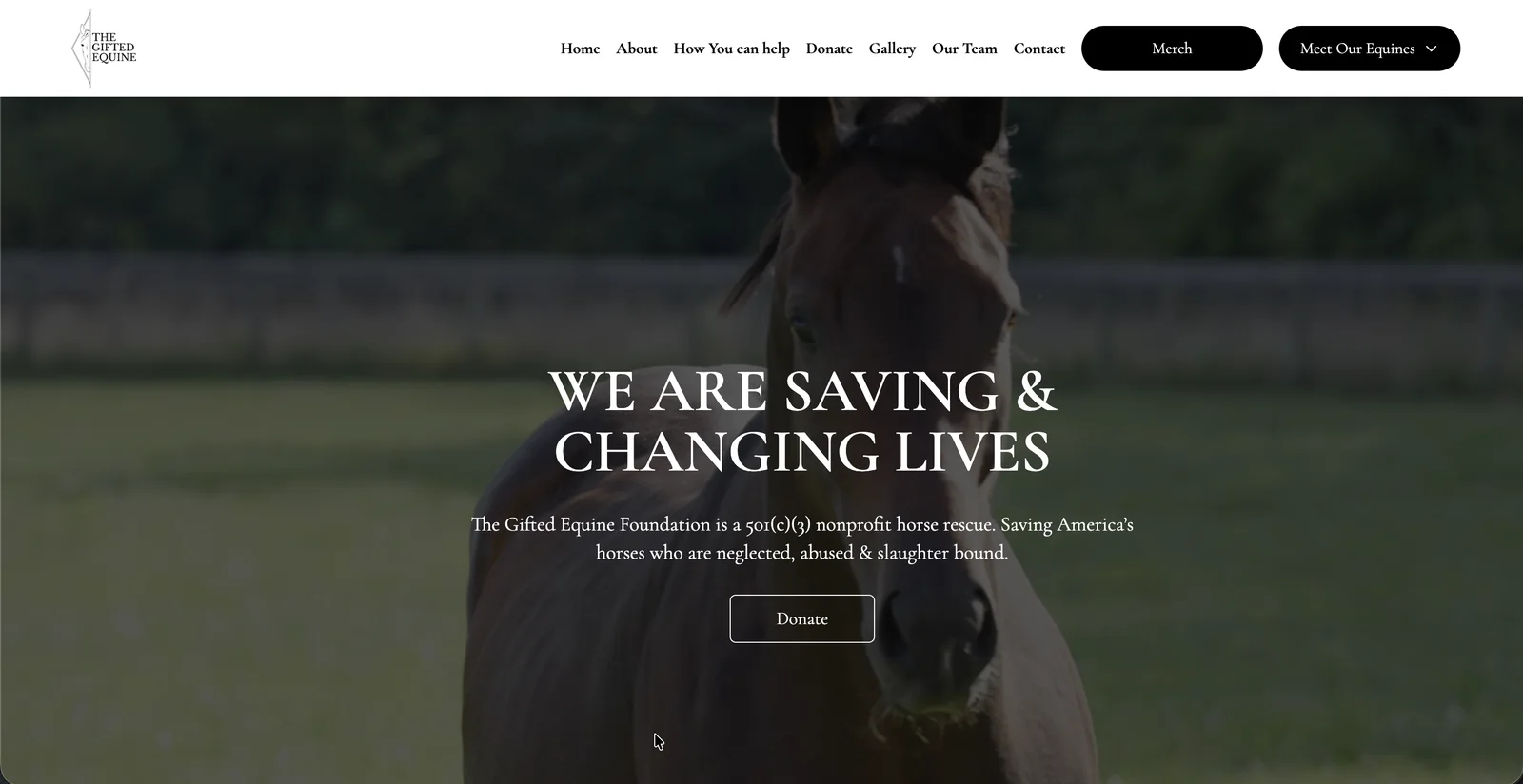
We treat accessibility as part of the build rather than a pre-launch scramble, because retrofitting it into finished components costs far more than designing it in. On The Gifted Equine, a sanctuary site where a meaningful share of supporters are over 65, we reviewed typography, color contrast, and tap targets across breakpoints and closed the project with a WCAG AA accessibility sign-off. All Influencer also launched with a WCAG AA accessibility sign-off alongside its performance report.
For EU products, accessibility usually sits next to localization. On Carvise, built for Belgium and Luxembourg, the design phase included accessibility and mobile-first specs, and the whole experience shipped in English, French, and Dutch. Planning both from the first design sprint is much cheaper than adding either later. If you want to see how we approach design and engineering together, our services page covers the process, and our earlier piece on UI/UX design trends touches on why restrained, readable interfaces tend to age well.
Conclusion
For most SaaS teams, the European Accessibility Act question comes down to one detail: can a consumer in the EU sign up and pay? If yes, and you are larger than a microenterprise, plan for WCAG 2.2 AA across your critical journeys, accessible sign-in and payment, and a published accessibility statement. If no, your enterprise buyers will likely ask the same questions anyway.
Start with your sign-up and checkout flows this week. A keyboard-only pass takes an afternoon and will tell you how much work is ahead.
If you would like a second pair of eyes on your product's accessibility, or want it built in from the start of your next release, tell us about your project and we will come back with a plan.
Frequently asked questions
- Does the European Accessibility Act apply to B2B SaaS?
- Usually not for a product sold only to professional users, because the directive's e-commerce definition is built around consumers. It can apply once individuals can sign up and pay for personal use, for example through a self-serve plan with card checkout.
- Does the EAA apply to companies outside the EU?
- Scope depends on offering the service to consumers in the EU, not on where your company is registered. A US or UK company selling a self-serve product to EU consumers should assume it needs to check.
- Is there an exemption for small companies?
- Yes, for services. Microenterprises, meaning fewer than 10 employees and annual turnover or balance sheet total of no more than EUR 2 million, are exempt from the service accessibility requirements under Article 4(5) of the directive.
- Which WCAG version should we target?
- EN 301 549 currently includes WCAG 2.1 Level AA for web content. WCAG 2.2 is backward compatible with 2.1 and adds nine criteria, so building to WCAG 2.2 AA covers both and matches what most enterprise buyers now ask for.
- Will an accessibility overlay widget make us compliant?
- No. Overlays cannot fix inaccessible markup, broken keyboard flows, or unlabeled forms in your app. The fixes have to happen in your components and templates, where the problems actually are.