Mobile App Development,Scoped for How Startups Grow
Code Nativex provides mobile app development for startups in the US and UK. We help you decide what to build first, a cross-platform iOS and Android app or a mobile-first web app, then design and ship it with one senior team, to a fixed scope and price agreed before work starts.
- Codebase for iOS and Android
- 1
- Scope and price before work starts
- Fixed
- Written progress updates
- Weekly
- Of the code and IP owned by you
- 100%
Not every startup needs an app store listing on day one.
The first decision in mobile app development for startups is not the framework. It is whether your product needs to be in the App Store and Google Play yet. A native app earns its extra cost when the product depends on push notifications, offline use, the camera, or location, or when your users expect to find you in an app store.
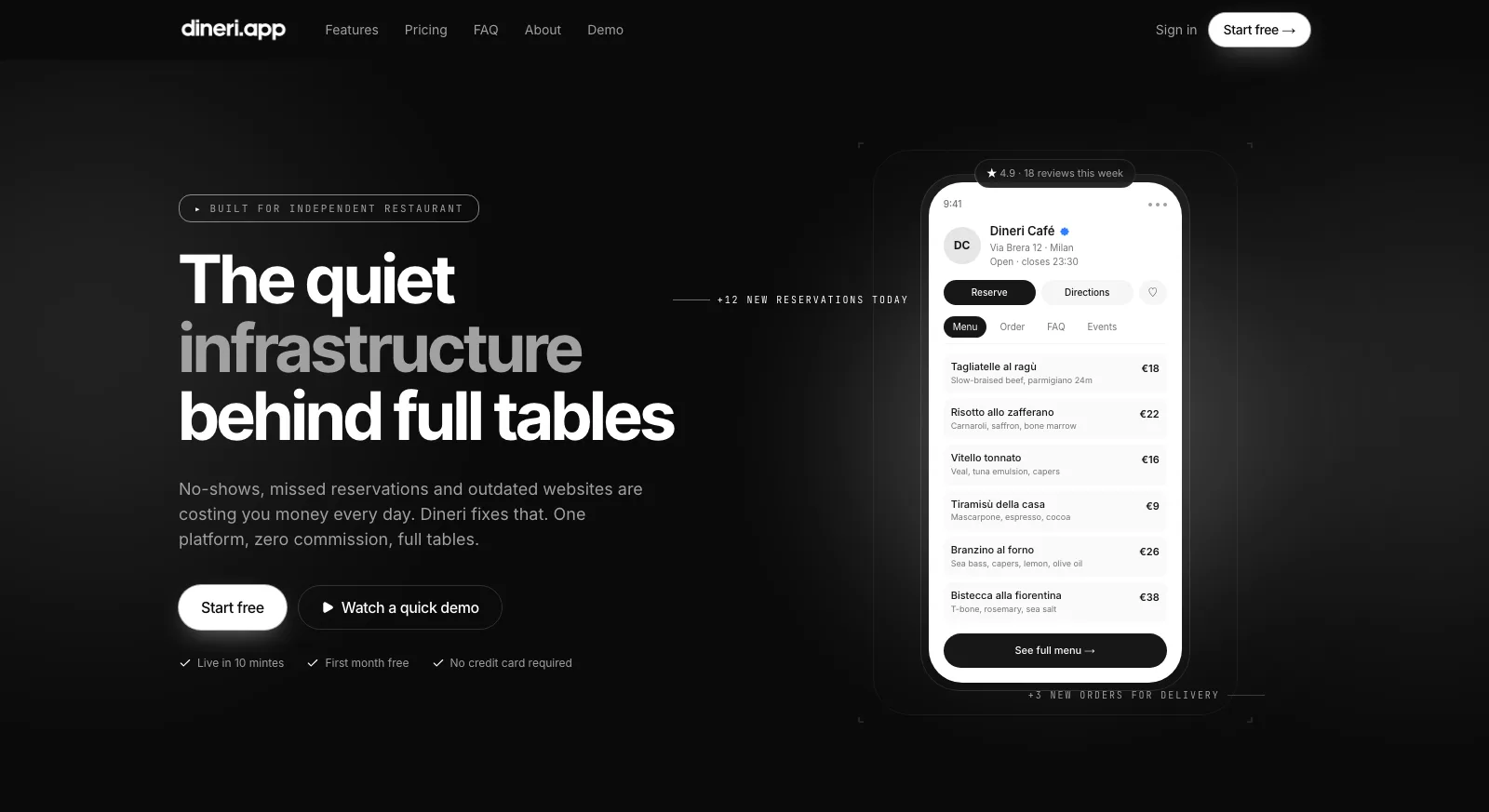
If it does not, a mobile-first web app is often the faster way to put the product in people's hands and learn from them. Several of the products we have shipped are built for phones first. Dineri's restaurant owners edit dishes and prices from their phone, and diners scroll the menu one-handed after scanning a QR code at the table.
When an app is the right call, we build cross-platform, so one codebase ships to both iOS and Android. React Native is the usual fit when you already run a React or Next.js web product, because web and mobile can share people, types, and logic. Flutter earns its place when the product's value is a distinctive, heavily animated interface.
Either way, the terms match every other build: a fixed-scope, fixed-price proposal, weekly progress updates, and code, design files, and IP that belong to you from day one.
One team for the app, the backend, and the web.
Most of an app's complexity lives behind the screen. We build both halves together.
Cross-platform iOS and Android apps
One React Native or Flutter codebase for both platforms, so every feature reaches all of your users at the same time.
Mobile-first web apps
Fast, server-rendered web apps designed for the phone first, with no app store review standing between you and a fix.
The backend behind the app
Auth, Postgres, payments, and the APIs your app talks to, on the same stack as our web products, so app and web share one source of truth.
Admin dashboards
The web dashboard your team uses to manage content, users, and orders, like the menu editor Dineri owners use from their phone.
Design for small screens
Flows designed in Figma for thumbs and one-handed use, with accessible contrast and tap targets, approved by you before code is written.
Multi-language from the start
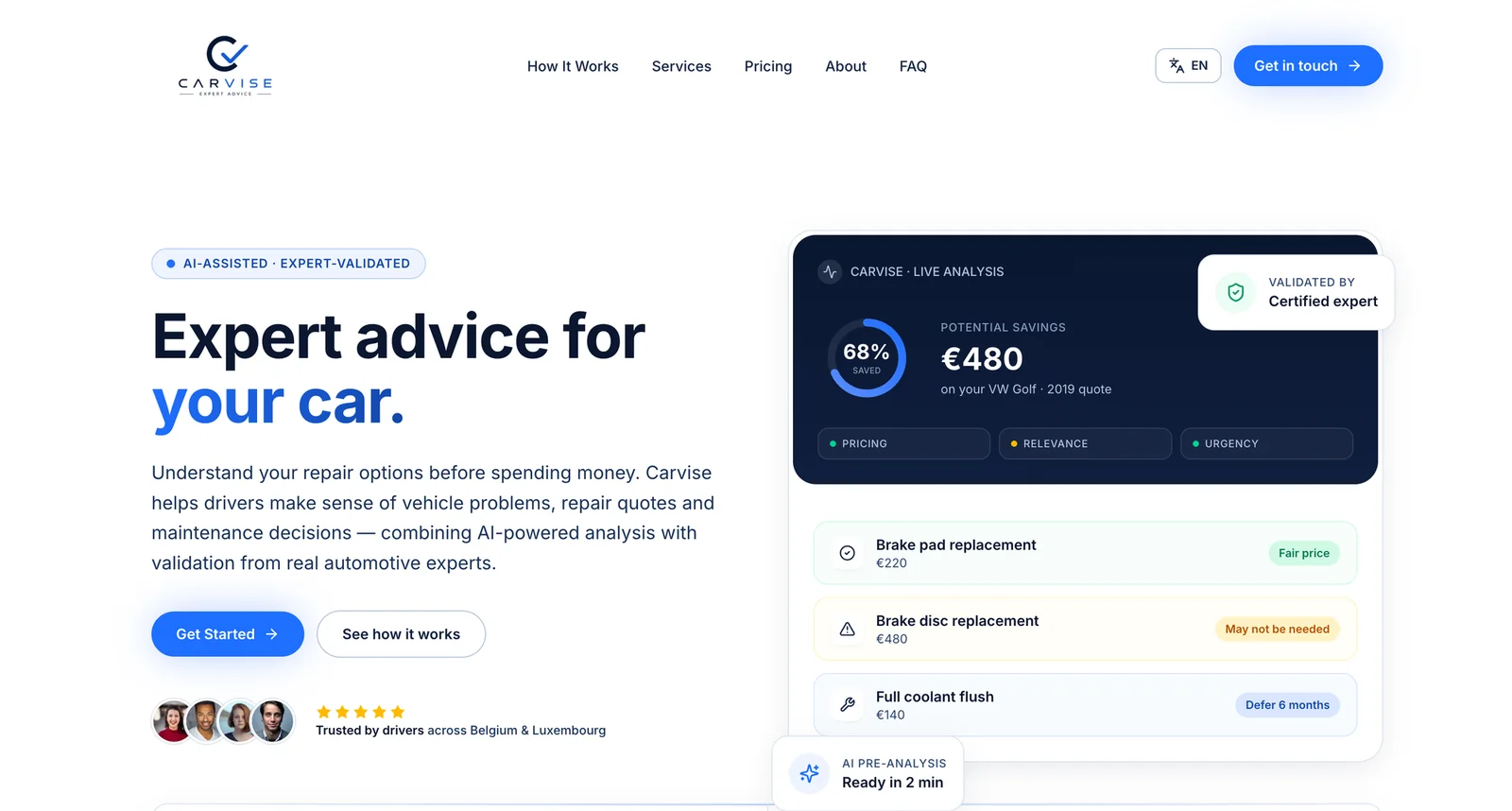
Internationalization from the first commit, so launching a second market does not mean a rebuild. Carvise ships in English, French, and Dutch.
Decide, design, build, hand over.
The platform decision comes first, because it shapes the cost, the timeline, and how fast you can change things after launch.
- 01Week 0
Discovery call
A 30-minute call to map users, devices, and must-have features, and decide between a native app and a mobile-first web app. You get a fixed-scope, fixed-price proposal.
- 02Week 1
Figma prototype
Clickable flows designed for the phone and approved by you before a line of production code is written.
- 03Weekly
Build
Senior engineers ship in weekly increments, with a written update each week and a build you can test yourself as the work progresses.
- 04Launch
Launch and handover
Production release, documentation, and an architecture overview. The code, design files, and IP are 100% yours.
Default stack
- React Native
- Flutter
- Expo
- TypeScript
- Next.js
- Node.js
- PostgreSQL
- Supabase
- Stripe
- Figma
Products built for the phone in someone's hand.
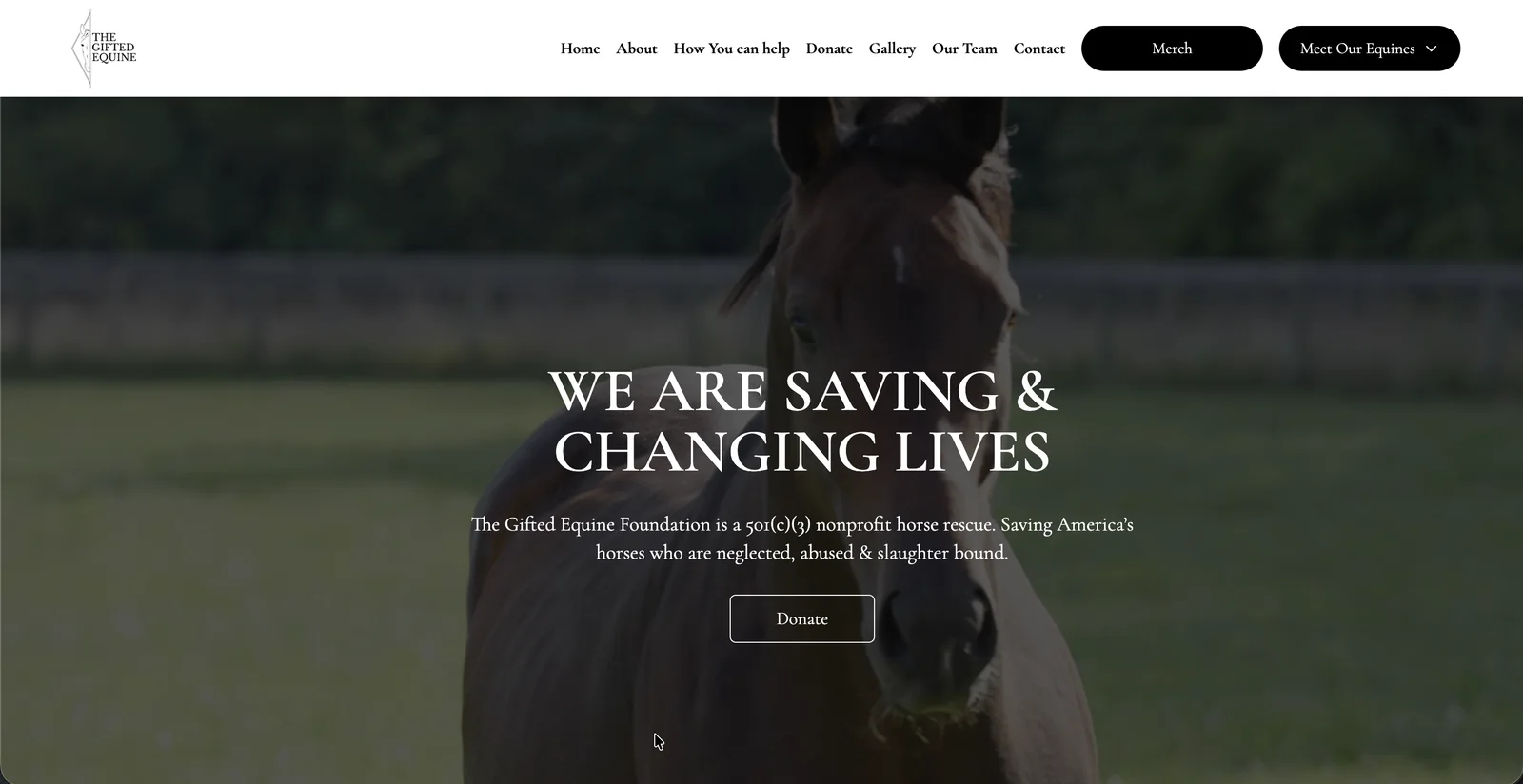
These are web products designed for phones first. They show how we handle small screens, one-handed use, and people in a hurry.
Not sure if you need an app yet?
Tell us who your users are and what they need to do. We will recommend native or web, then send a fixed-scope, fixed-price proposal.
How to choose what to build first.
A simple way to decide before you spend anything on development.
- 01
Choose a native app when the device is the product
Push notifications, offline use, the camera, location, or app store discovery. If your core feature needs one of these, an app is worth the extra cost and review process.
- 02
Choose a mobile-first web app to validate fast
One codebase, instant updates, no app review, and a link you can share anywhere. It is usually the quickest way to learn whether people will use the product.
- 03
Choose React Native if you already run on React
Your web and mobile code can share people, types, and logic, and a React developer becomes productive in React Native in days, not weeks.
- 04
Choose Flutter for a distinctive, animated interface
Flutter draws its own interface, so a brand-heavy design looks identical on every device, at the cost of working in Dart.
- 05
Plan the backend either way
Accounts, data, payments, and admin tools are most of the work. Build them once, and the web product and the app can share them.
Mobile app development questions, answered.
01Should a startup build a mobile app or a web app first?
Build a mobile app first when your core feature depends on the device, such as push notifications, offline use, the camera, or location. Otherwise a mobile-first web app is usually faster to launch and change, and you can add native apps once usage justifies them.
02React Native or Flutter: which do you recommend?
React Native when you already have a React or Next.js product, because code and people can be shared. Flutter when the product depends on a highly custom, animated interface. We recommend one in the proposal based on your team and roadmap.
03Can one codebase run on both iOS and Android?
Yes. React Native and Flutter both build iOS and Android apps from a single codebase, so new features reach both platforms at the same time instead of being built twice.
04How is a mobile app project priced?
On its scope. After an initial call you get a fixed-scope, fixed-price proposal, so the cost is agreed before any work starts and nothing is added without your sign-off.
05Who owns the app after launch?
You do. The code, design files, database schema, and deployment configs are 100% yours, with an IP assignment signed as part of the engagement.
Guides from our engineers.
Practical articles on the decisions behind this kind of build.
More from the same senior team.
Design, engineering, and AI under one roof, so nothing gets lost between handoffs.